Features

Every DayZ modding tool,
one window

The pages are grouped the way a mod is made: write, assets, build and ship, world, run. Each one reads the game from your Steam folder, never writes there, and explains itself with F1.

Every page in two minutes, narrated.

Write

Enforce Script editorFind the bug. Ship the fix.

Edit Enforce Script with the whole vanilla game indexed: completion, go to definition, references, errors as you type.

  • Vanilla one click away: browse and search the game's own scripts, read-only.
  • Log triage: every script error of a server log, with the mod and the line it comes from.
  • Hotfix mods: a small modded override that calls the original, never a copy of someone else's code.
  • Debugger: breakpoints and variables in a running diag game.

Script Editor guide

Write

Layout editor, DZML & Style Studio

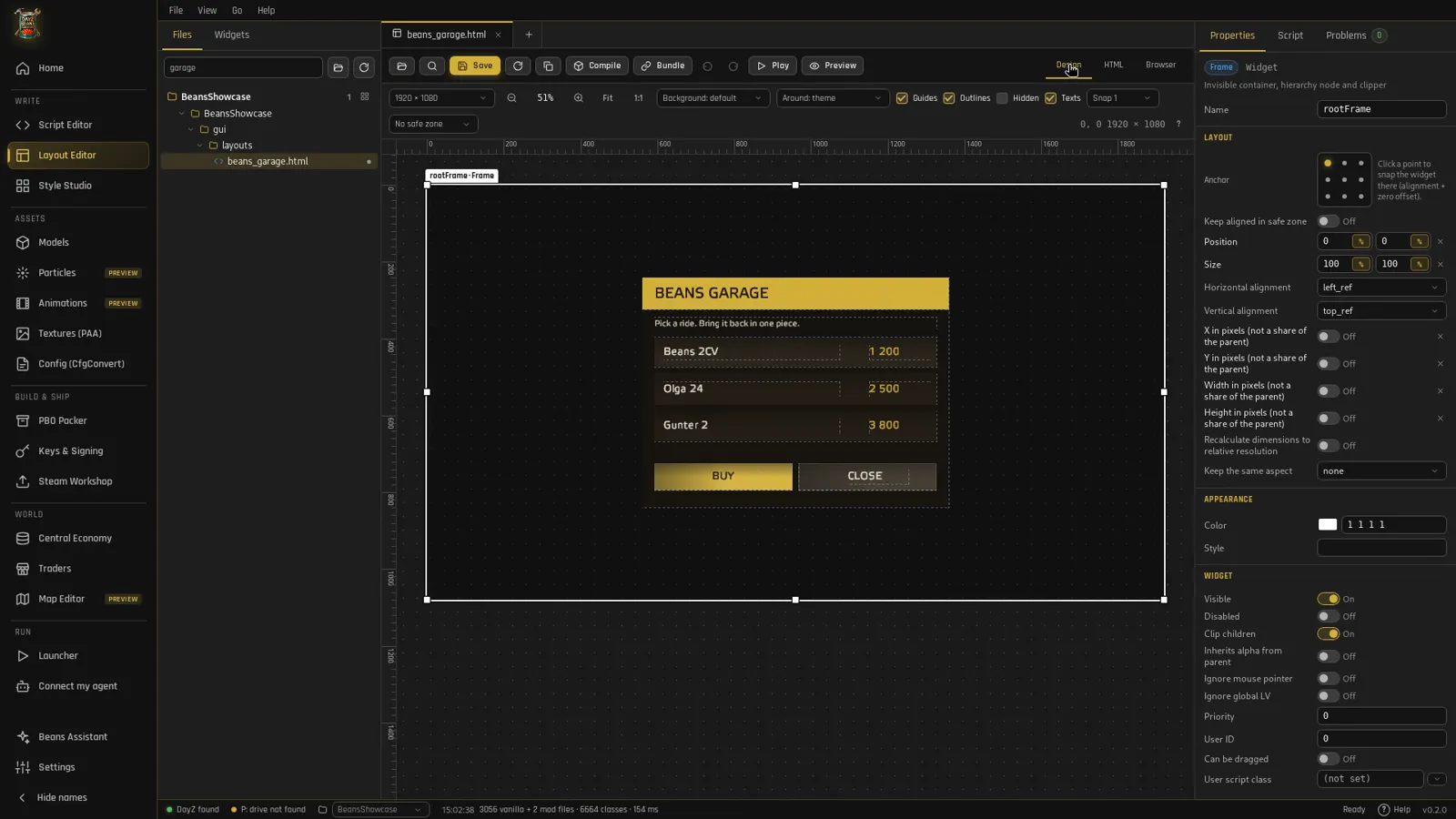
Draw menus and HUDs with the game's own fonts and imagesets, or write them as HTML (DZML) and get the .layout. Then give them buttons and panels of your own.

Everything about UI · Layout guide · How DZML works · Style Studio guide

A DZML menu in the layout editor
Assets

P3D models

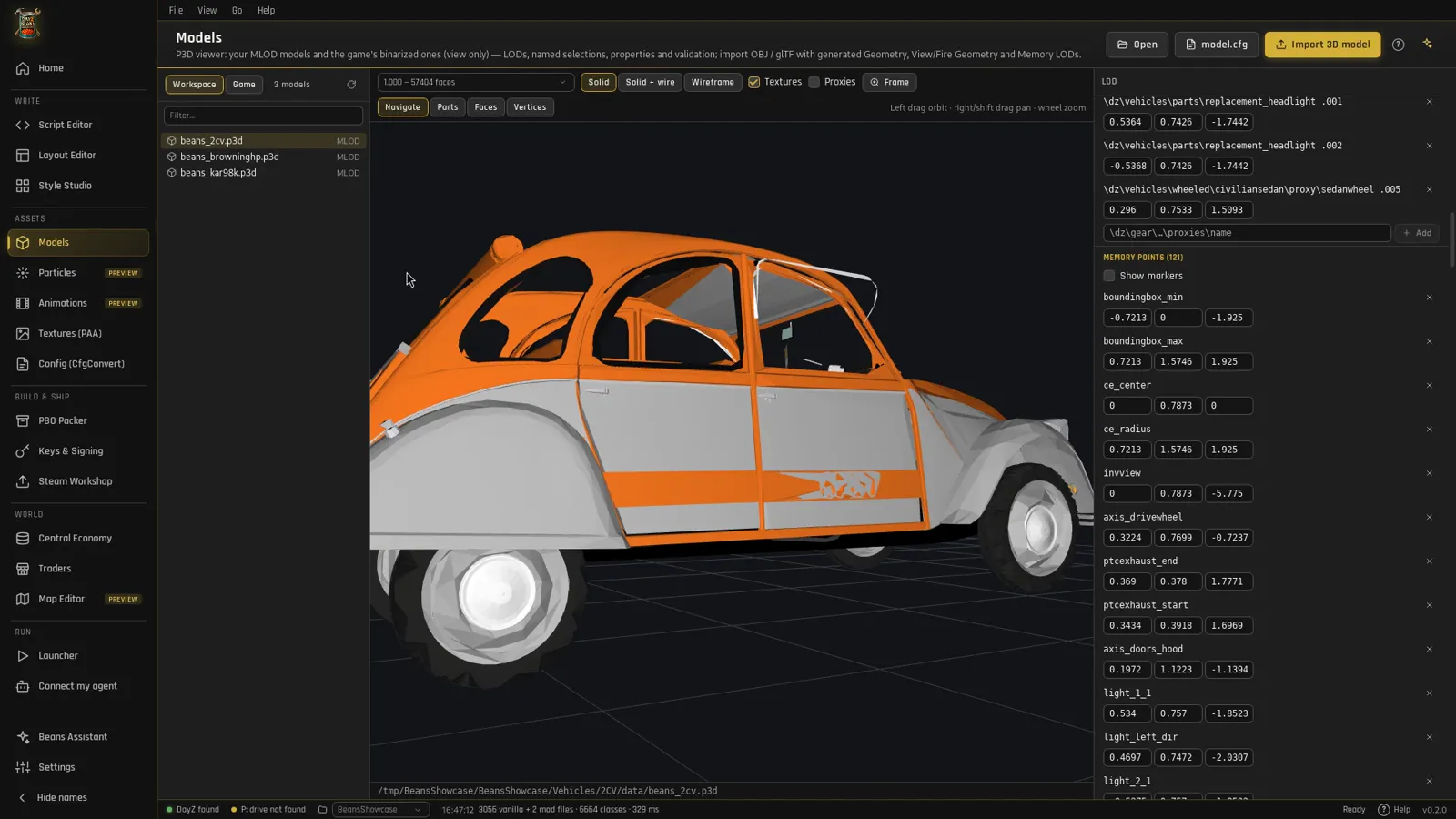
Look at any game model with its LODs, selections, proxies and textures, write model.cfg, and bring your own meshes in from Blender or an AI generator.

Models · Models guide

An AI-made 2CV in the models page
Assets

PAA textures, rvmat & config

  • Textures: view and convert PAA (DXT1/DXT5, mipmaps) from and to PNG or TGA.
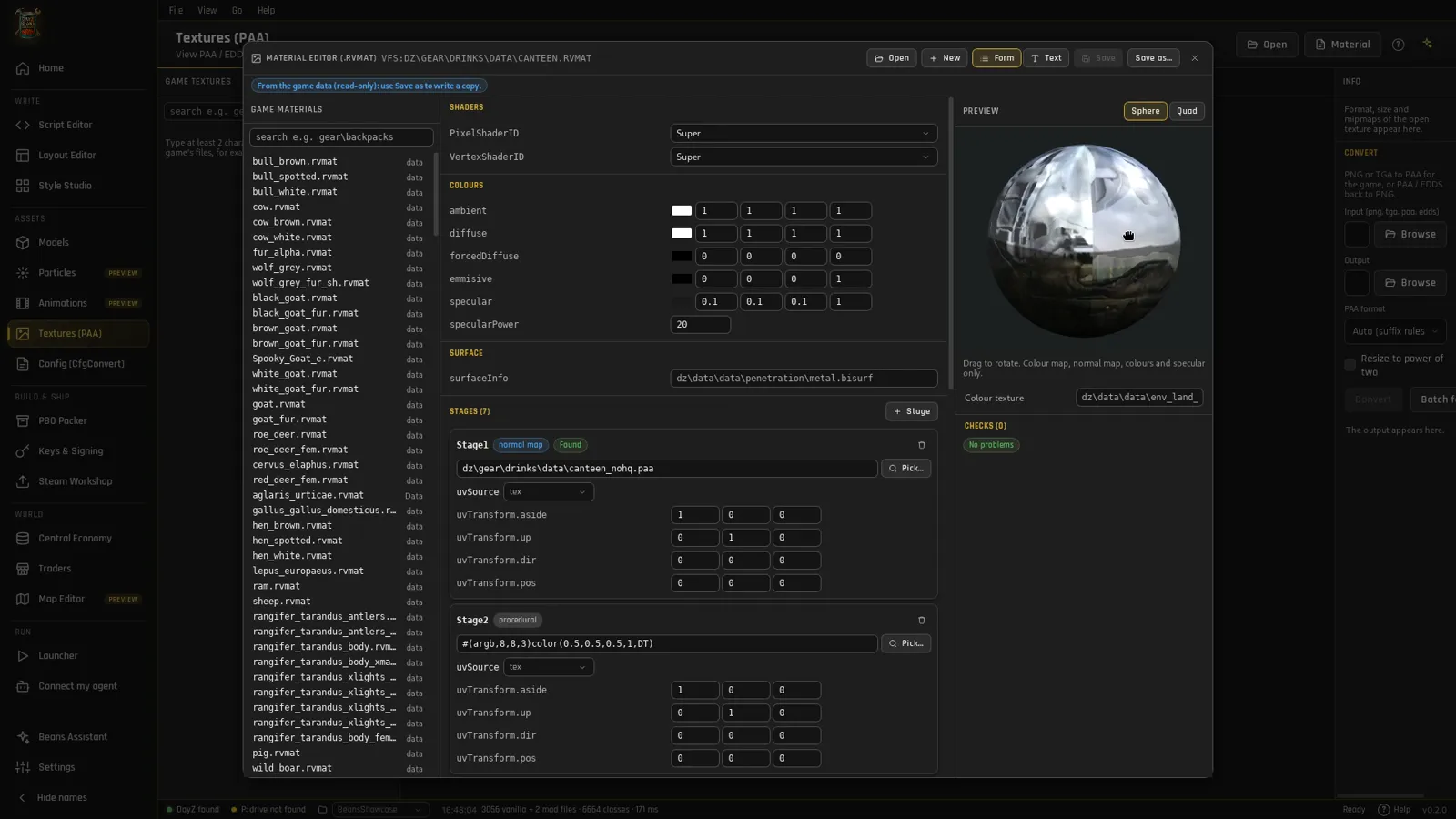
  • Materials: edit rvmat stages and shaders with a live preview on a sphere.
  • Config: config.cpp ↔ config.bin, checked, with every class of the game as reference.

Textures guide · Config guide

Textures and rvmat editor
Assets · Preview

Particles & animations

  • Particles: open the game's .ptc effects, copy one into your mod, edit its emitters and curves with a live preview.
  • Animations: read animation graphs and anim sets, validate them, play a clip on a skeleton.

Both pages are previews: test an edited effect or graph in game before you ship it. Particles guide · Animations guide

Build & ship

PBO, keys & Steam Workshop

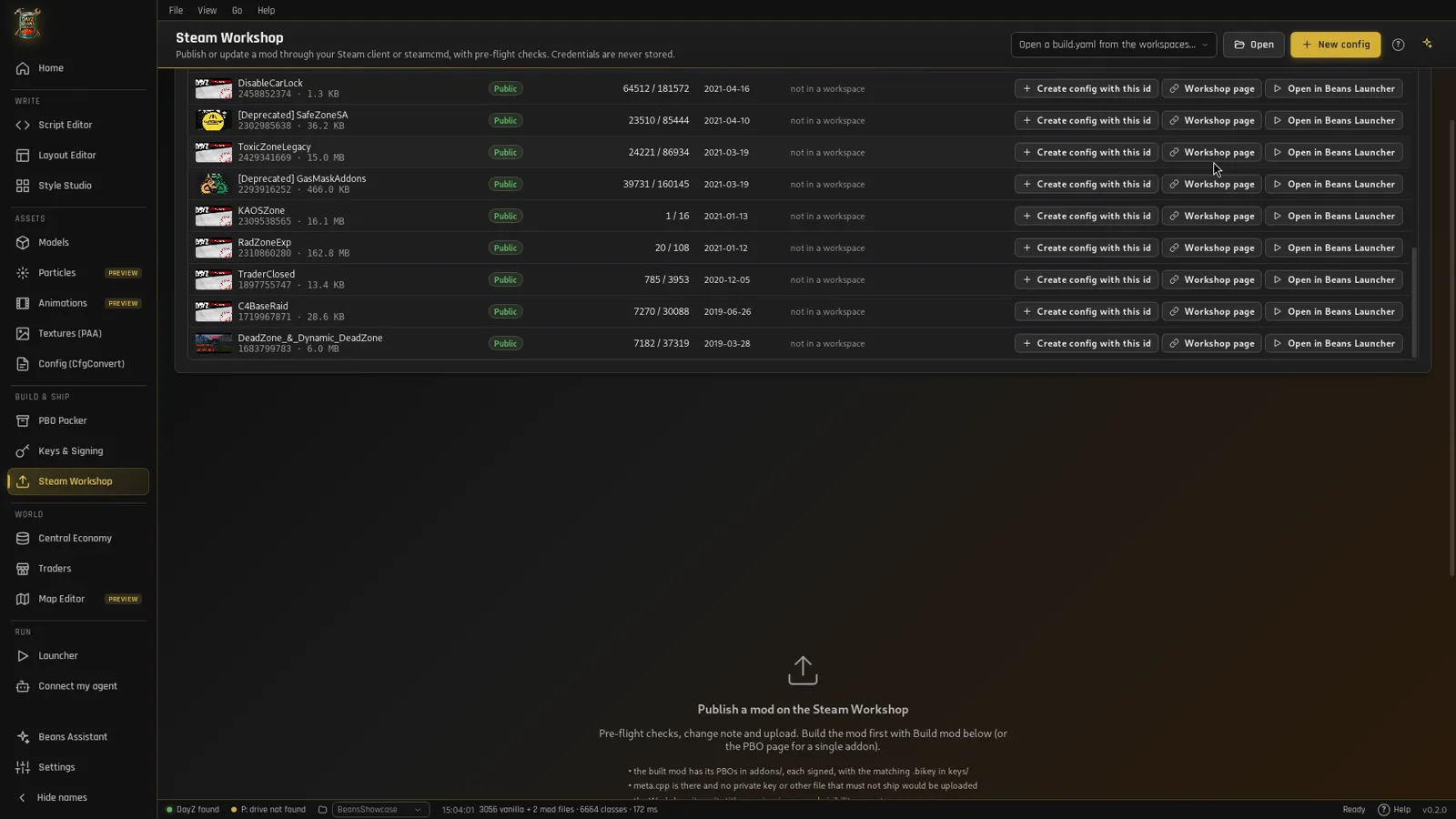
Pack and binarize, create your key, sign, check, then publish to the Workshop with pre-flight checks and a Discord announcement.

Build, sign & publish

My Workshop items in the Steam Workshop page
Run

Launcher

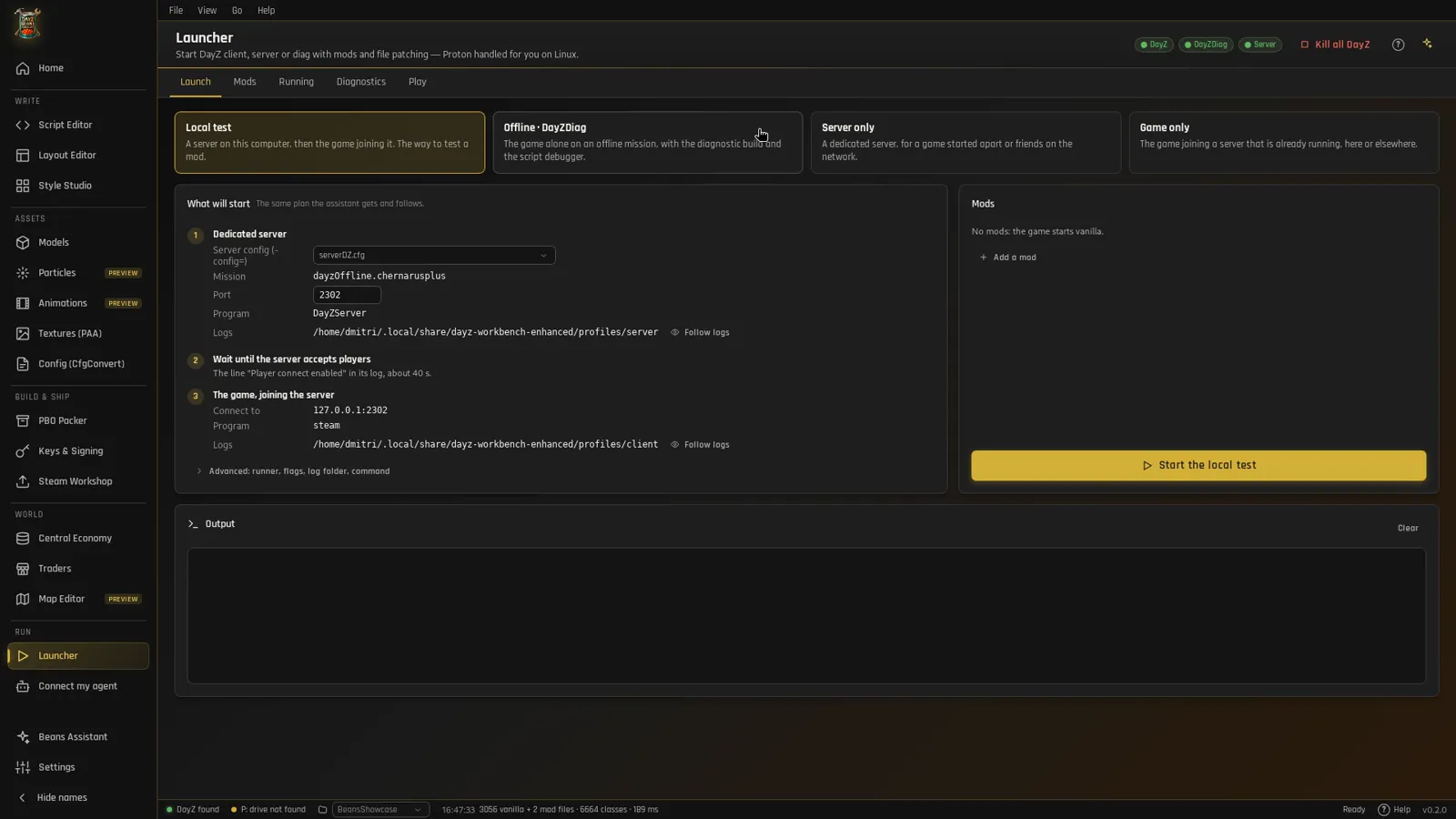
Start a local DayZ server and the game with your mods in one click, or the offline diag game. Logs are followed live and script errors are explained.

Launcher guide

Launcher page
World

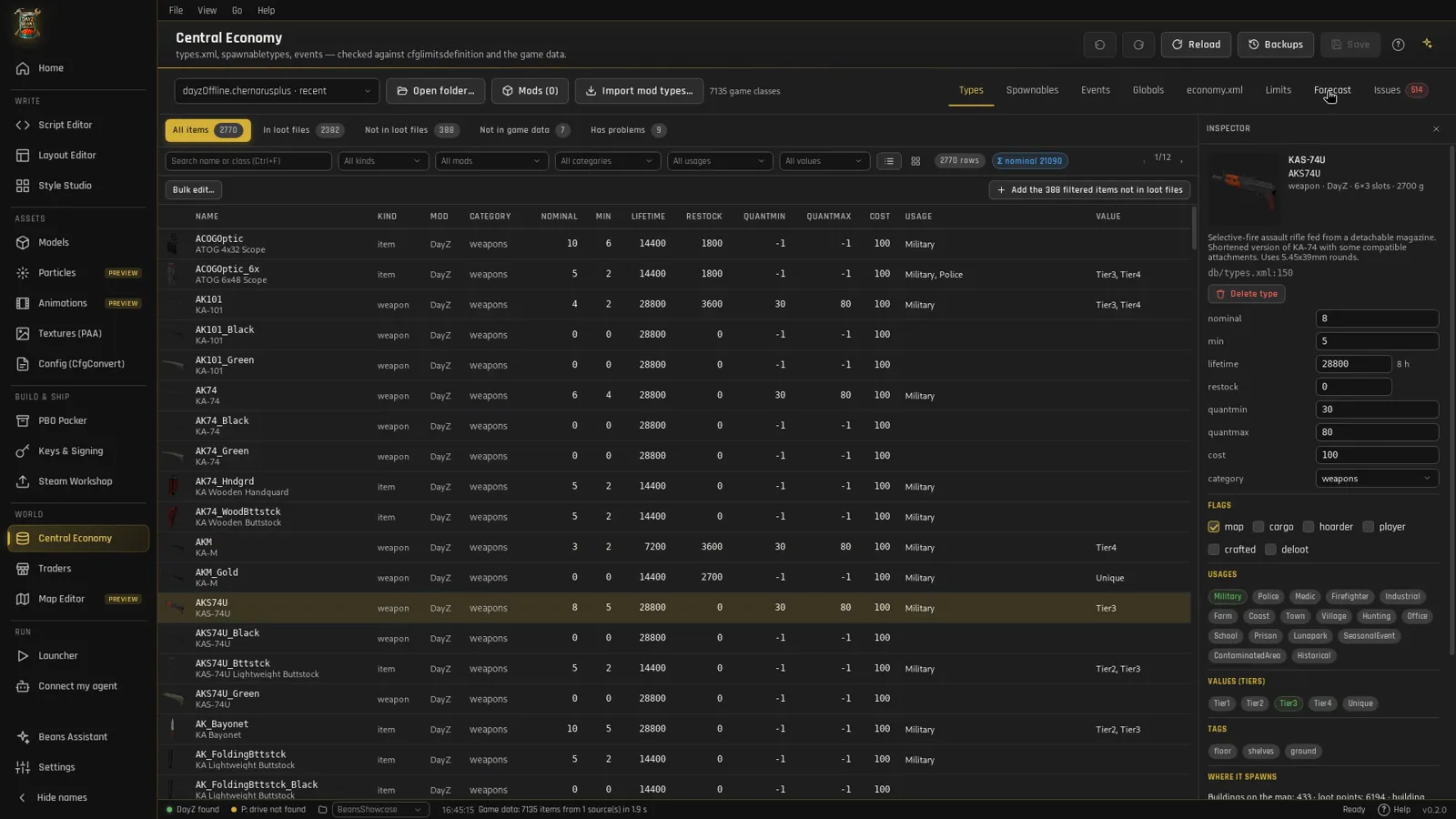
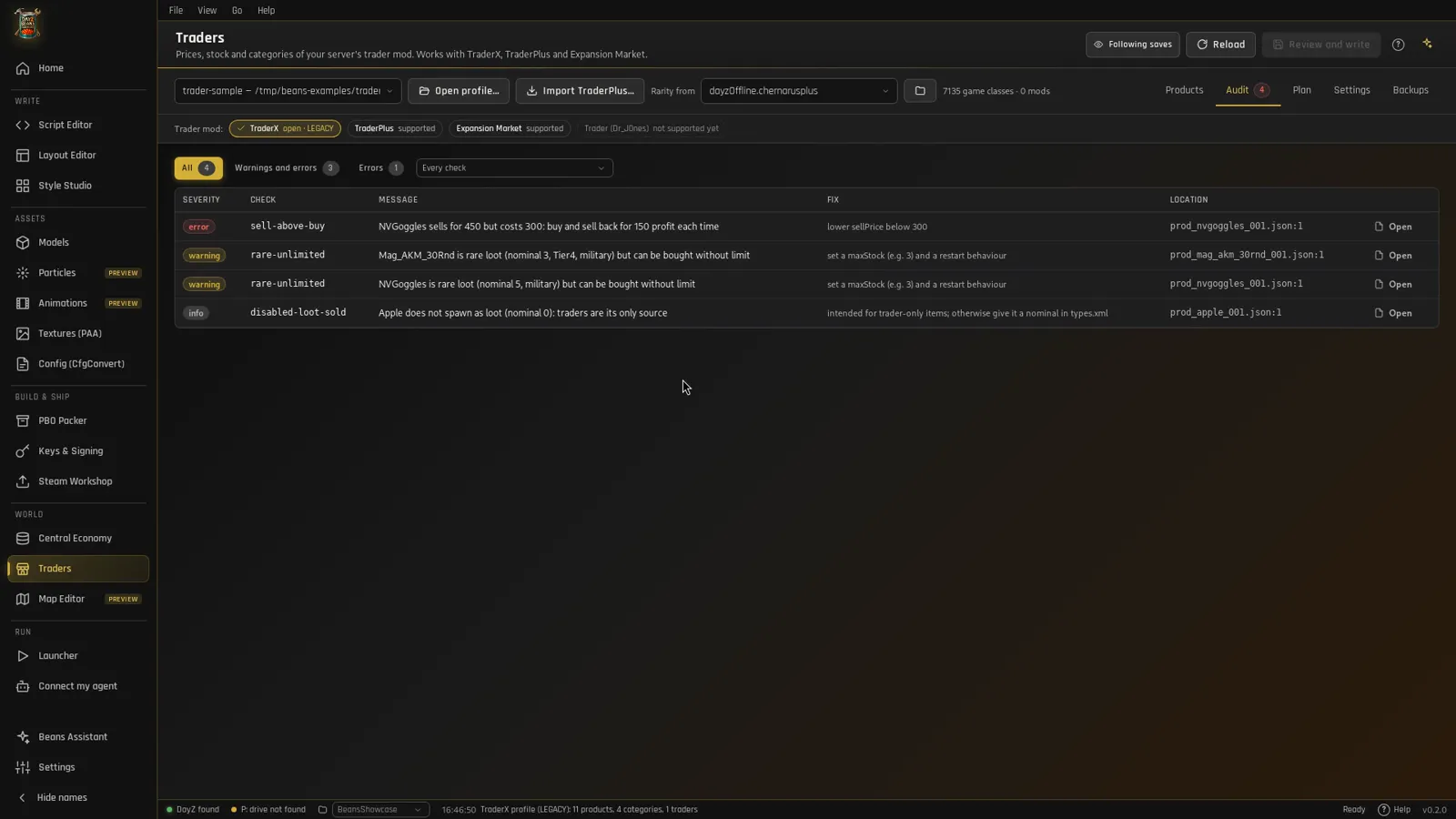
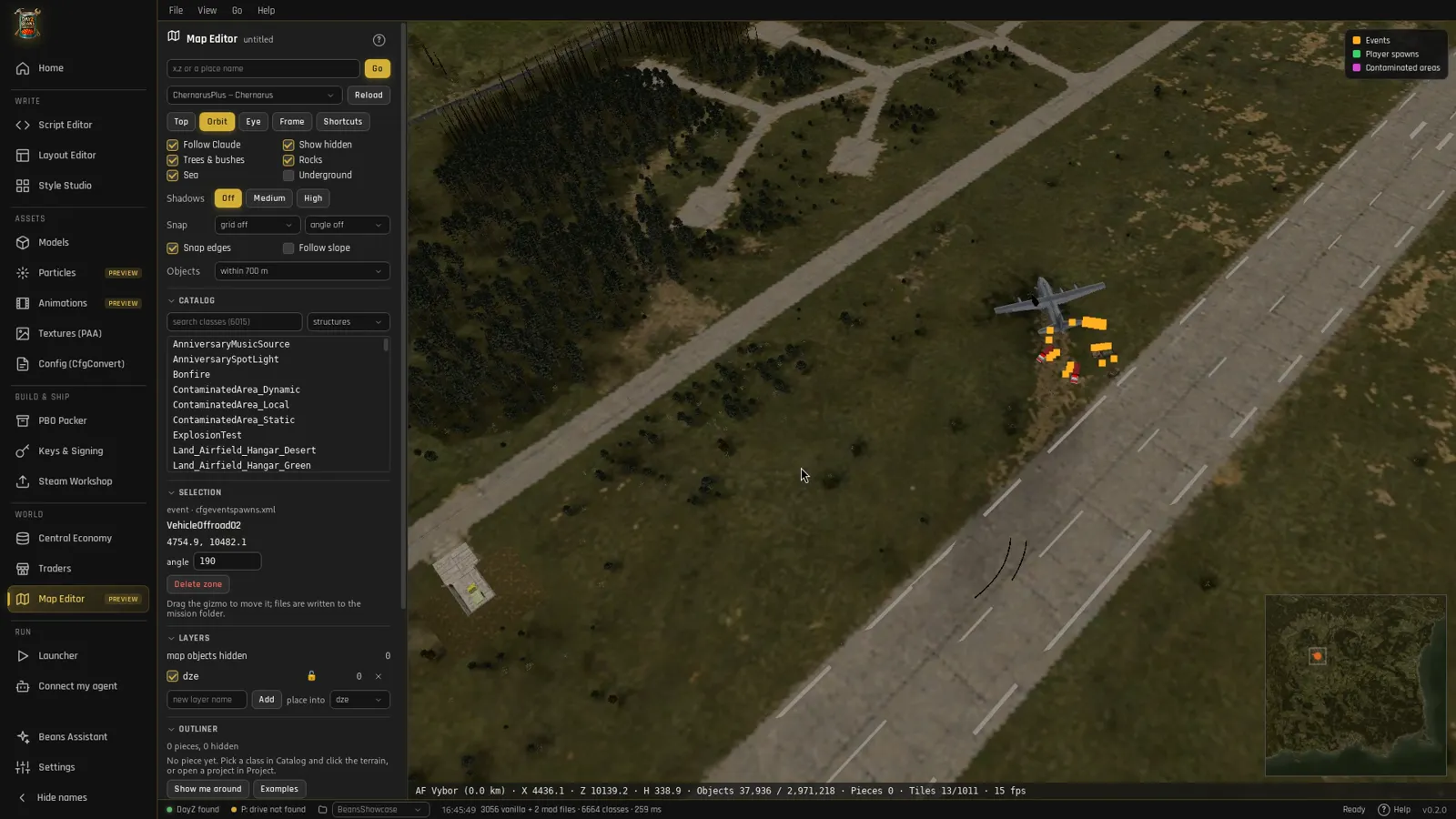
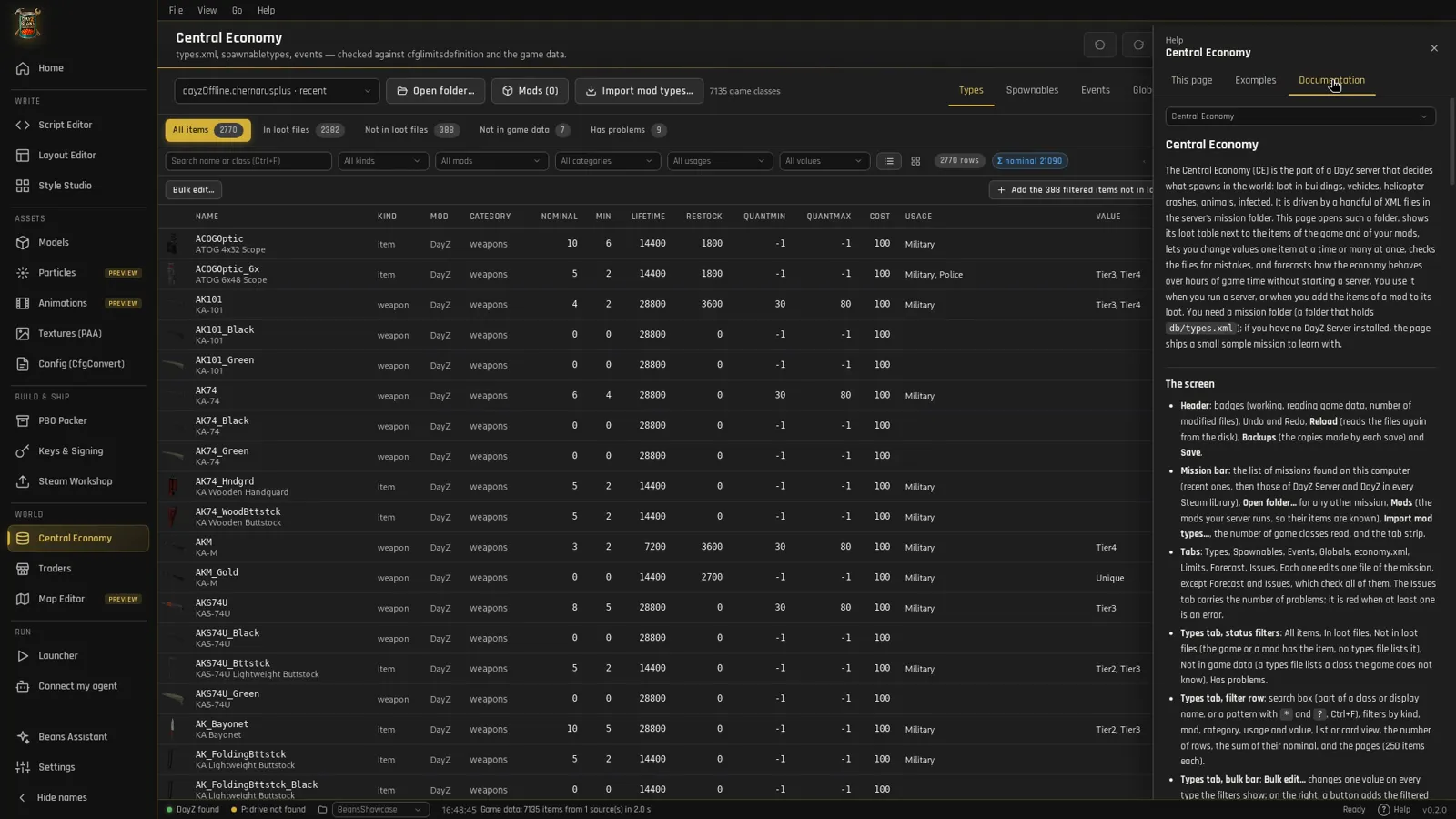
Economy, traders & maps

Every page

Explains itself

  • F1 opens the page's guide: what it is for, first steps, common tasks, pitfalls.
  • Guided tours point at each control, and examples open with one click.
  • Recipes for this page: an empty Scripts, Traders, Models or Central Economy page offers the assistant's recipes that start there.
  • Feedback in the status bar: report a bug or an idea with a capture of the window and the context, straight to the team.
  • 12 languages: English, French, German, Spanish, Italian, Portuguese, Polish, Czech, Russian, Turkish, Japanese and Chinese.

The same guides are on this site: documentation.

The help panel with the page guide
Formats & safety

Reads the game as it shipsWrites it byte for byte.

Every format is re-implemented from the files themselves and checked against the real game data on each build.

1,266vanilla and mod layouts rewritten byte-identical
2.97 MChernarus objects read in 0.23 s
125game PBOs mounted and indexed at start
12formats: PBO, bisign, config, P3D, ODOL (view only), PAA, WRP (view only), layout, rvmat, model.cfg, CE XML, EBO (never opened)

Game files read-only

The game folder and its !Workshop mods are never written. Nothing from the game is exported or redistributed.

Authors respected

Encrypted and obfuscated PBOs stay closed. Hotfixes are separate mods, and one that copies the author's code can't be published.

Secrets stay home

Private keys, Steam sessions and Discord webhooks never leave your computer and are never sent to a model.
Try every tool. Free.